
Name-Based Case Searches
Minnesota Court Records Online, known as MCRO, is the statewide portal. It opens case, document, hearing, and judgment information to the public. When a name is the best identifier you have, open Case Search. Pick the Name option. If the case was likely filed in Freeborn County, select Freeborn under the specific county court locations. Searching statewide helps when you do not know the filing county. The tradeoff is more same-name results to sort through.
Type only what you actually know. The portal gives you last, first, and middle-name fields plus a name-type control. Compare the court location, case number, case category, parties, and filed date before trusting any result. A name match alone does not prove much. It does not show the record belongs to the person you are after. A Freeborn County court docket entry deserves that same careful check. Rely on it only after that.
| MCRO field | Field type | Use or format |
|---|---|---|
| Search mode | Mode selector | Name, Case Number, Citation Number, or Attorney. |
| Name type and name fields | Selector and text fields | Last Name, First Name, and Middle Name in Name mode. |
| Sounds Like | Checkbox | Broadens a name search; it cannot be combined with a wildcard. |
| Wildcard | Trailing text character | A trailing * after at least two characters. |
| Date of Birth | Exact date or range | Optional additional search control in MM/DD/YYYY format. |
| Date Filed | Exact date or range | Optional additional search control in MM/DD/YYYY format. |
| Case Category | Checkboxes | Civil, Criminal, Family, and Probate or Mental Health. |
| Court Locations | Statewide or county selector | Select Statewide Court Locations or choose Freeborn under specific county locations. |
- Open MCRO Case Search and select the Name search mode.
- Enter the known last name and first name, adding a middle name only when it helps distinguish the result.
- Select specific county court locations and choose Freeborn, or use statewide locations if the county is uncertain.
- Add a known category, filed-date range, or date of birth only when it will not exclude the case being sought.
- Select Find, review the index fields, and open the case details to read the Register of Actions.
Freeborn County MCRO Search Flow
MCRO splits its work across several tabs. Nothing is crammed into one results screen. Case Search finds a case and its Register of Actions. Document Search takes a case number. It then pulls up eligible public filings. Hearing Search tracks scheduled hearings by name, case number, judicial officer, or attorney. Judgment Search covers docketed money judgments by debtor name, date, status, and county. Choose the tab that fits your question. Only then touch the filters.
One caution matters here. The portal's own terms say MCRO is not the official court record. A certified record comes from the local court. Even so, the case detail screen ties everything together. It connects the result list to the timeline of events, scheduled hearings, orders, and judgments. Public documents for that case appear there too. Keep one thing in mind. A hearing listed in case history may not show up on the next day's calendar.
The MCRO site map and terms lay out the distinct search routes. Each one serves a Freeborn County docket search.
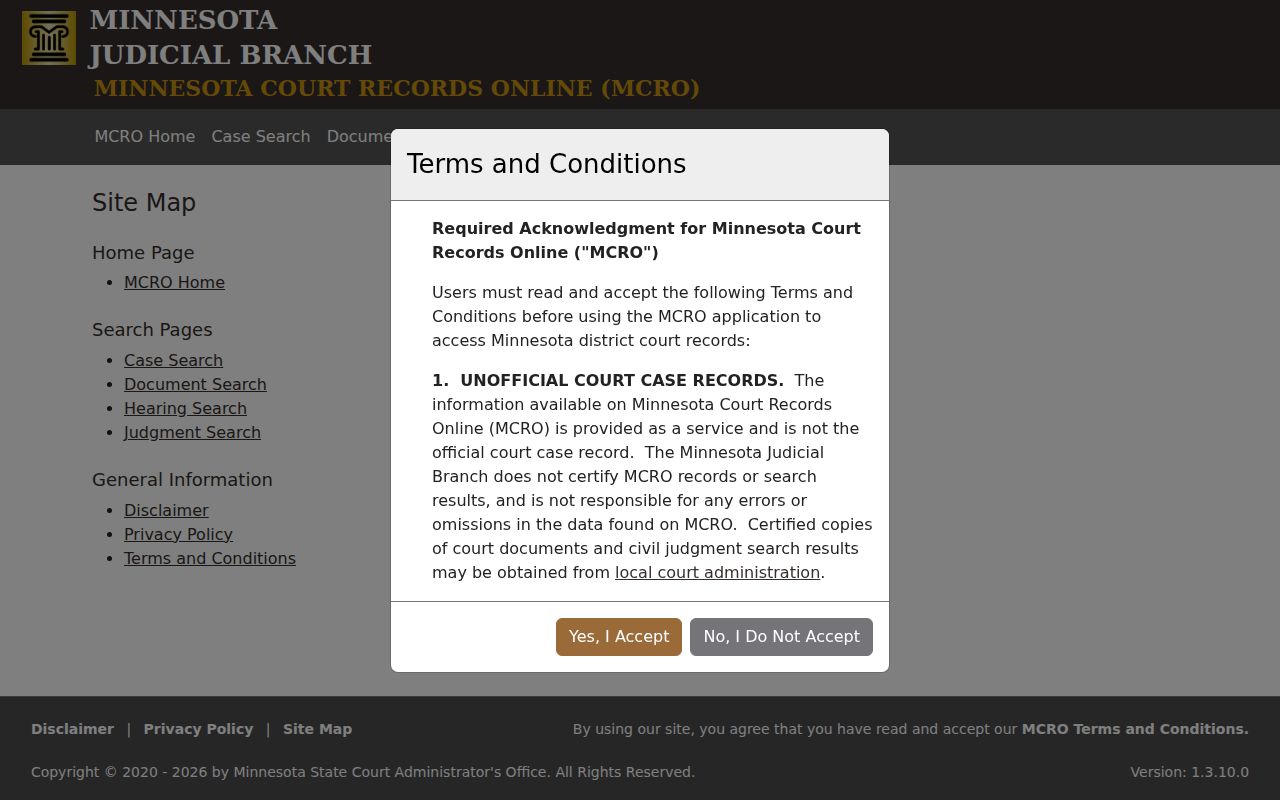
Where you start shapes what the portal can return. Case Search is no substitute for a document- or judgment-specific search when you need those items for a Freeborn County court docket.
Case Number Searches
A name search can come up empty. Case Number mode is then the sharper route to a Freeborn County court record. Enter the full identifier exactly as it appears on court paperwork or a calendar. Minnesota guidance for traffic matters shows formats like ##-CR-YY-#### and ##-VB-YY-####. CR points to a mandatory-appearance case. VB points to a payable or non-mandatory traffic matter. Those patterns help you read the number, not replace it.
Two more modes exist. MCRO offers Citation Number mode for traffic citations. Attorney mode takes a lawyer's name or bar number. Use the citation printed on the ticket rather than guessing at a case number. A full case number or citation can surface a record that a defendant-name search misses. That includes pending criminal, traffic, or petty-misdemeanor matters that carry no conviction.
Freeborn County MCRO Name Tools
Name mode on Minnesota Court Records Online (MCRO) offers two helpers. One is a Sounds Like checkbox. It widens a Freeborn County docket search to catch phonetic or spelling variants. The other is a trailing wildcard. Type at least two characters, then add a * to open up the ending. MCRO does not allow both at once. Pick whichever fits the name you have.
Go exact when the spelling is solid. When a name fights you, the broader tool earns its keep, though the results demand a slower read. A Live Case Status dropdown sits on the page too. Its labels are not self-explaining. Check the portal's current options before assuming what a status means.
The Minnesota Rule 11 source lays out the access safeguards that frame any Freeborn County name search.
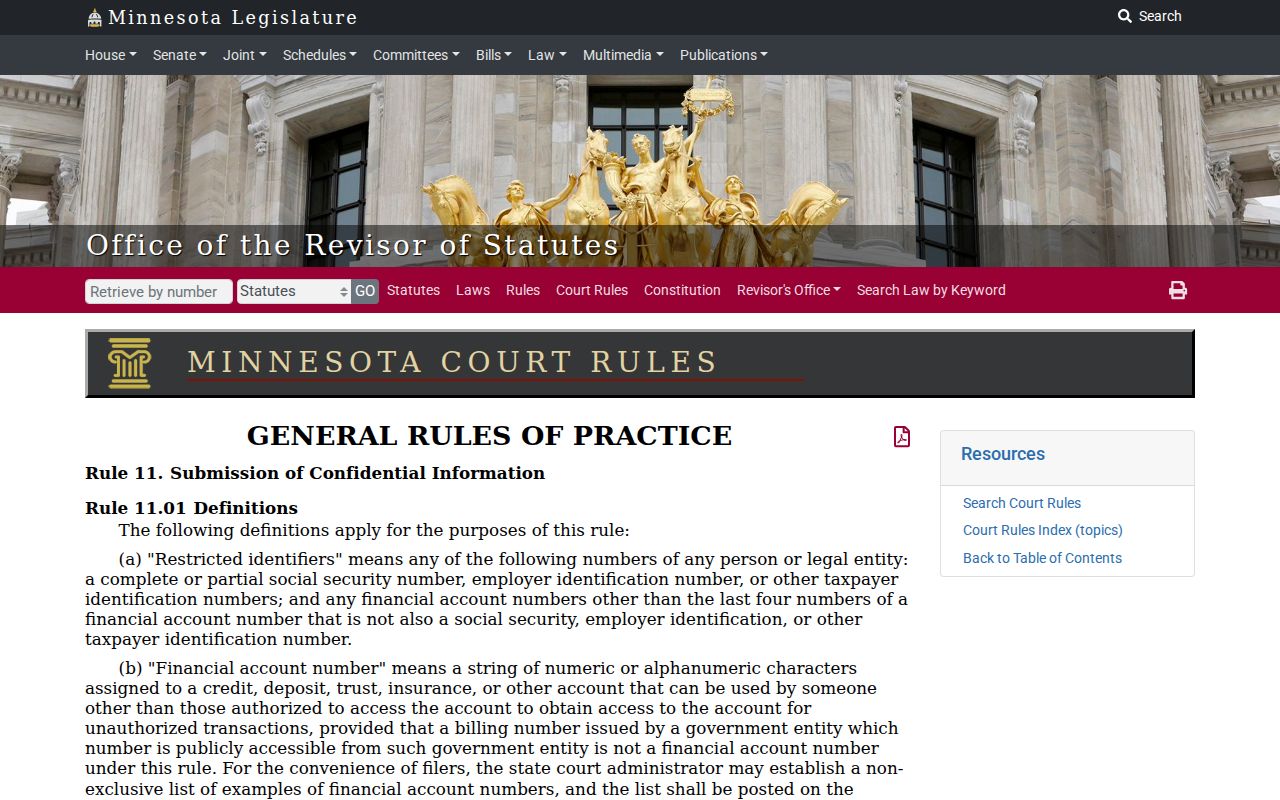
Court filings keep certain identifiers restricted. So when a remote docket result looks thin, the access rules may be the reason. It is not necessarily a failed search.
Case Search Results Explained
Treat the MCRO result list as an index and nothing more. Each line can carry the court location, case number, category, parties, and filed date. Match those fields to what you know before opening anything. The case category sorts a court docket. Its groups are Civil, Criminal, Family, and Probate or Mental Health. That label is not a disposition. A hit on the list is no final outcome.
| Court Location | Shows the county or court associated with the result. Freeborn should match a locally filed case. |
|---|---|
| Case Number | The strongest precise identifier for opening details, documents, hearings, or a copy request. |
| Case Category | An MCRO grouping. It does not state how the case ended. |
| Parties | Names shown in the record; compare them carefully with other index fields. |
| Date Filed | The filing date, which can help separate similar results. |
| Register of Actions | The chronological history of case events, distinct from a daily court calendar. |
Do not judge a case by its title, category, or a single event line. Read the full Register of Actions first. Even in a visible case file, orders, judgments, and public documents can carry their own access limits.
Freeborn County Search Filters
More search controls sit under Additional Search Options. Date of Birth and Date Filed each take an exact date or a range. Type dates in MM/DD/YYYY format. Case categories come as checkboxes: Civil, Criminal, Family, and Probate or Mental Health. Court Locations lets you search statewide or pick a single county. A county search field, alphabetical grouping buttons, an execute control, and a Counties Selected indicator confirm the pick.
Filters only help when the details are solid. Stack on too many, and a real case can vanish from the results. Start with the strongest identifier. Choose Freeborn when it fits. Then add a date or category you actually know. Hit Clear and the county-clearing controls first. Do that before a new search. A leftover filter can quietly shrink the next Freeborn County docket search.
The Minnesota Rule 14 resource lays out the electronic filing framework. It runs beside, but apart from, the county's public search access.
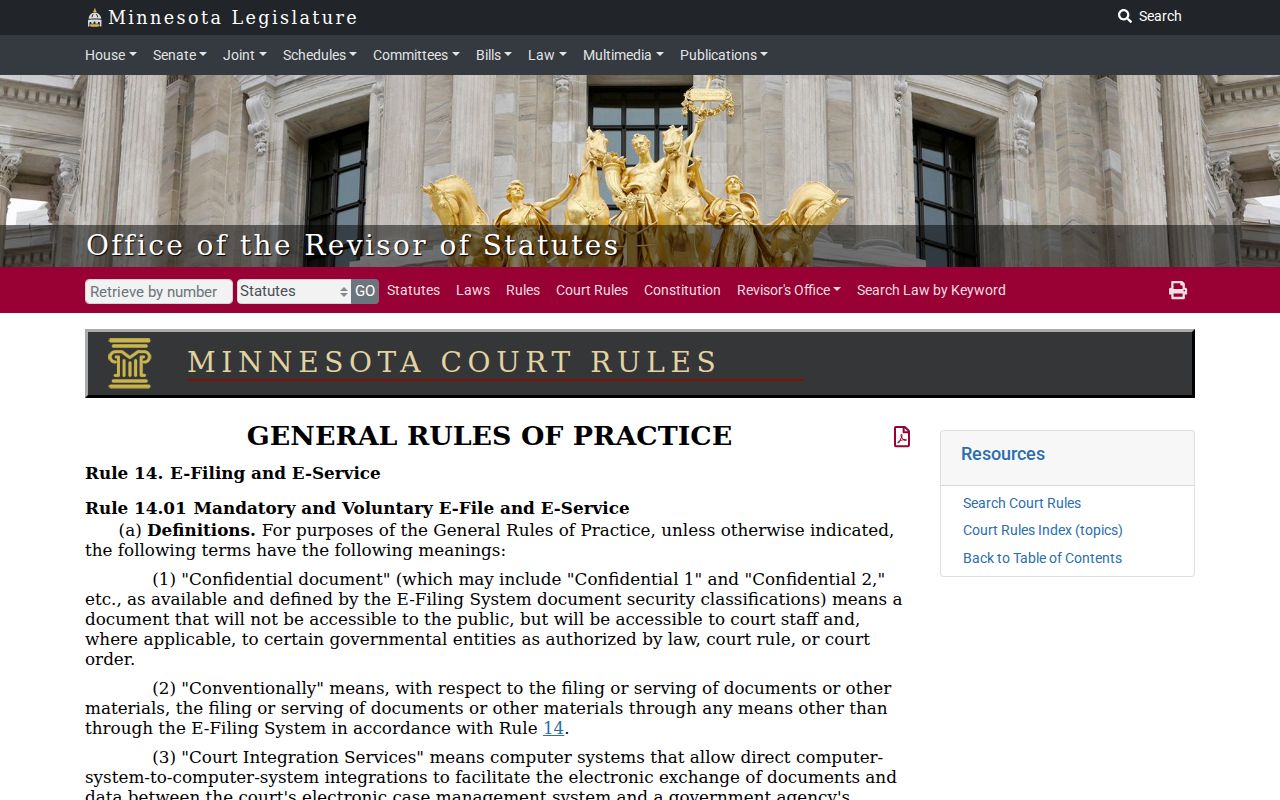
eFS handles filing and service; MCRO is the public route to eligible records and documents.
Two Ways to Search: County and State
MCRO is one portal statewide. Even so, the Court Locations control decides the reach of a Freeborn County docket search. Choose Freeborn and the results narrow to the county trial court. A statewide search covers eligible records across Minnesota. That helps when you do not know the filing county. Neither mode changes who issues a certified record. That stays with the local court that holds it.
| Search path | Best use | What to confirm |
|---|---|---|
| Freeborn county filter | A case believed to be filed in Freeborn County District Court. | Case number, category, party, and filed date. |
| Statewide locations | The filing county is uncertain or a statewide check is needed. | The actual court location before relying on the result. |
| Courthouse public terminal | An eligible public record or older material is not remotely available. | The local access rules and any need for staff assistance. |
The MCRO Hearing Search adds a statewide layer for a different question. Use it when you want a scheduled setting, not the full case history.
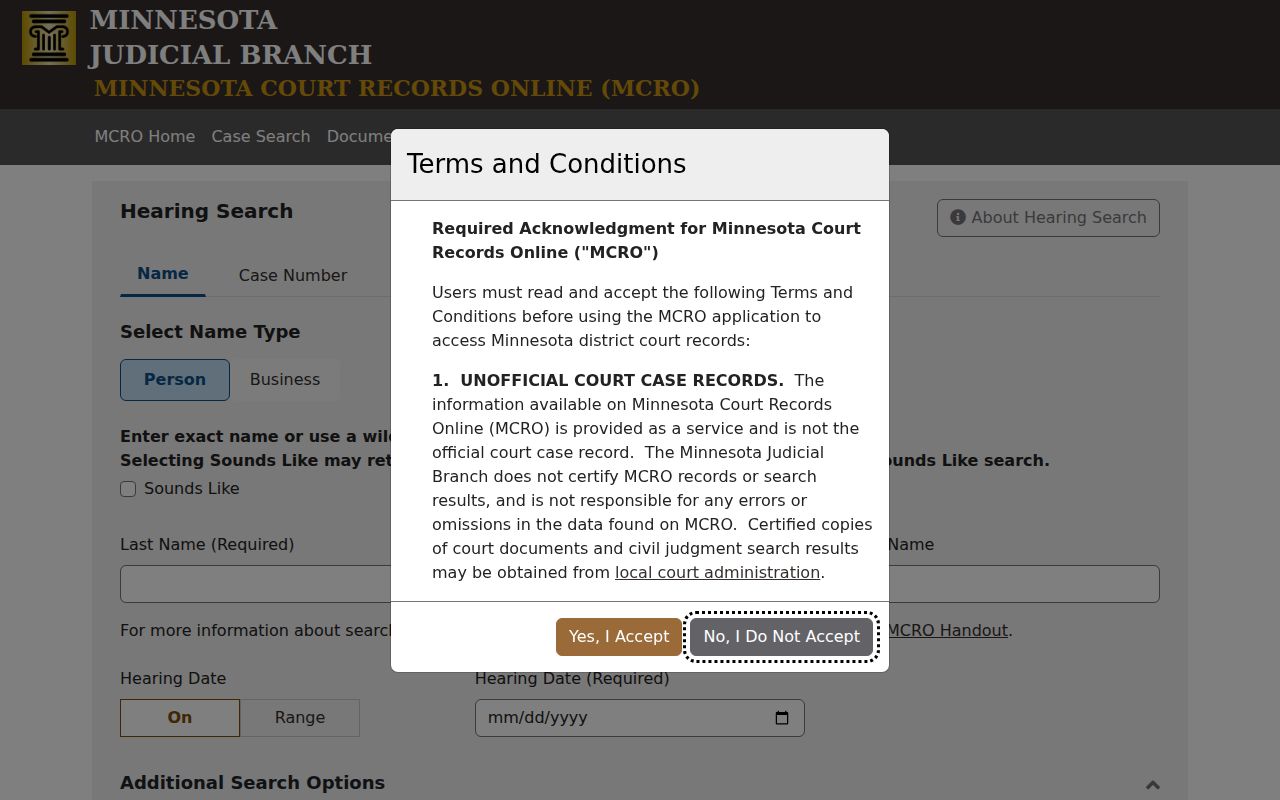
Hearing Search narrows by a setting date. Pair it with a Freeborn county selection when a hearing is the goal.
Freeborn County Search Tabs
The tabs split the search into distinct jobs. Document Search takes a case number and works through Find Documents, Clear Case Number, and Clear controls, making it a focused document lookup. Hearing Search runs on an exact hearing date or date range, plus name, case number, judicial officer, and attorney modes. Judgment Search wants a person or business debtor name. It also takes an optional docketed date, a county, and a Judgment Status of All, Active, or Inactive.
Each tab has a hard edge. A docketed judgment search is not a case-history search. A document result is not the full Register of Actions. A hearing search skips most case events. Sort out your question first. A court record is then far less likely to be misread.
The Minnesota Court Rules index is the primary source for the rules behind any Freeborn County docket search.
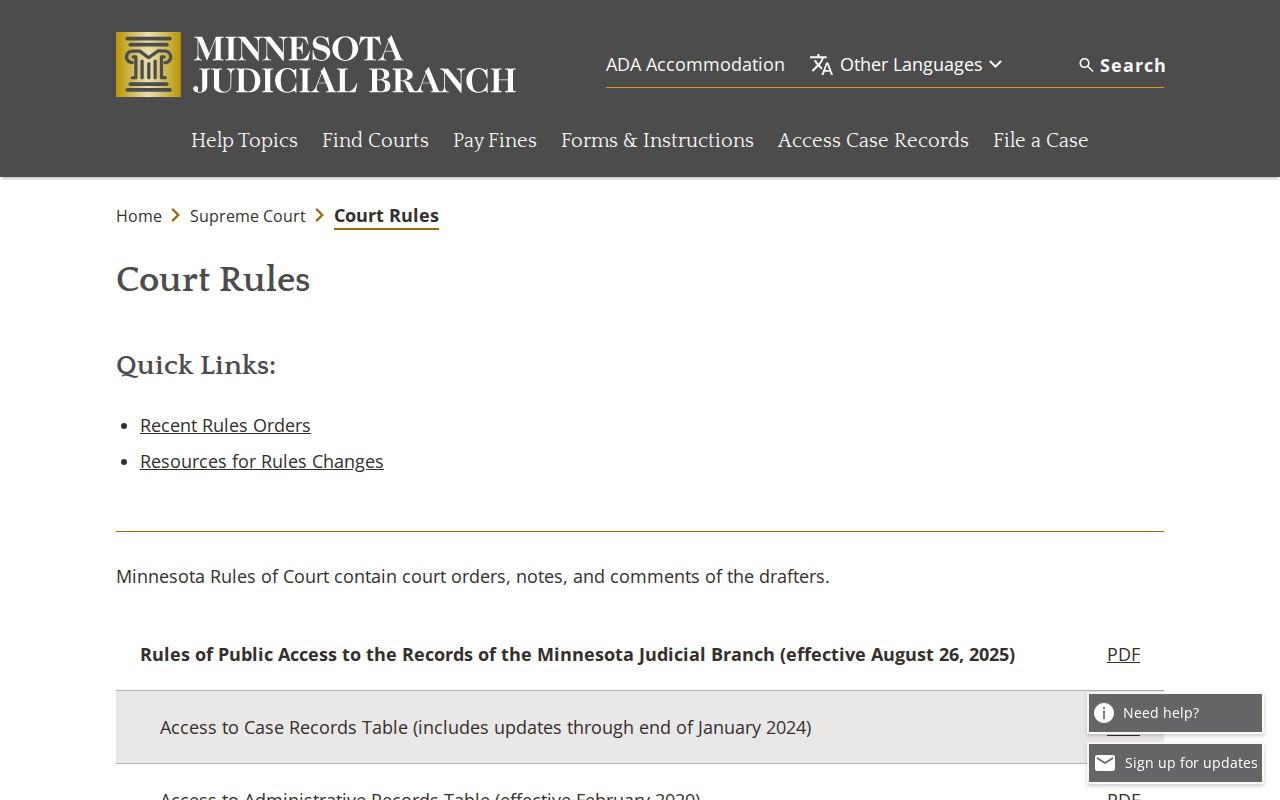
The rules index earns its keep when an access question turns on a rule itself. MCRO's display fields will not answer that.
Which Cases Stay Restricted
Remote access is not the same thing as full public access. Rule 8 excludes or limits remote viewing for some categories. These include certain juvenile matters, commitments, domestic-abuse and harassment cases, and party-submitted family materials. A public case can still hold a document that is not available remotely. Older coverage is thin too. Filings on or after July 1, 2015 mark the main online period.
Rule 11 keeps Social Security numbers, employer identification numbers, financial-account numbers, and similar identifiers out of public filings. Sealed or confidential records follow a different access path. Keep two cautions in mind. A missing result does not prove a case was never filed. A visible result does not prove every document inside is open.
The visual from Minnesota Rule of Public Access 8 ties the statewide remote-access categories to Freeborn County record searches.
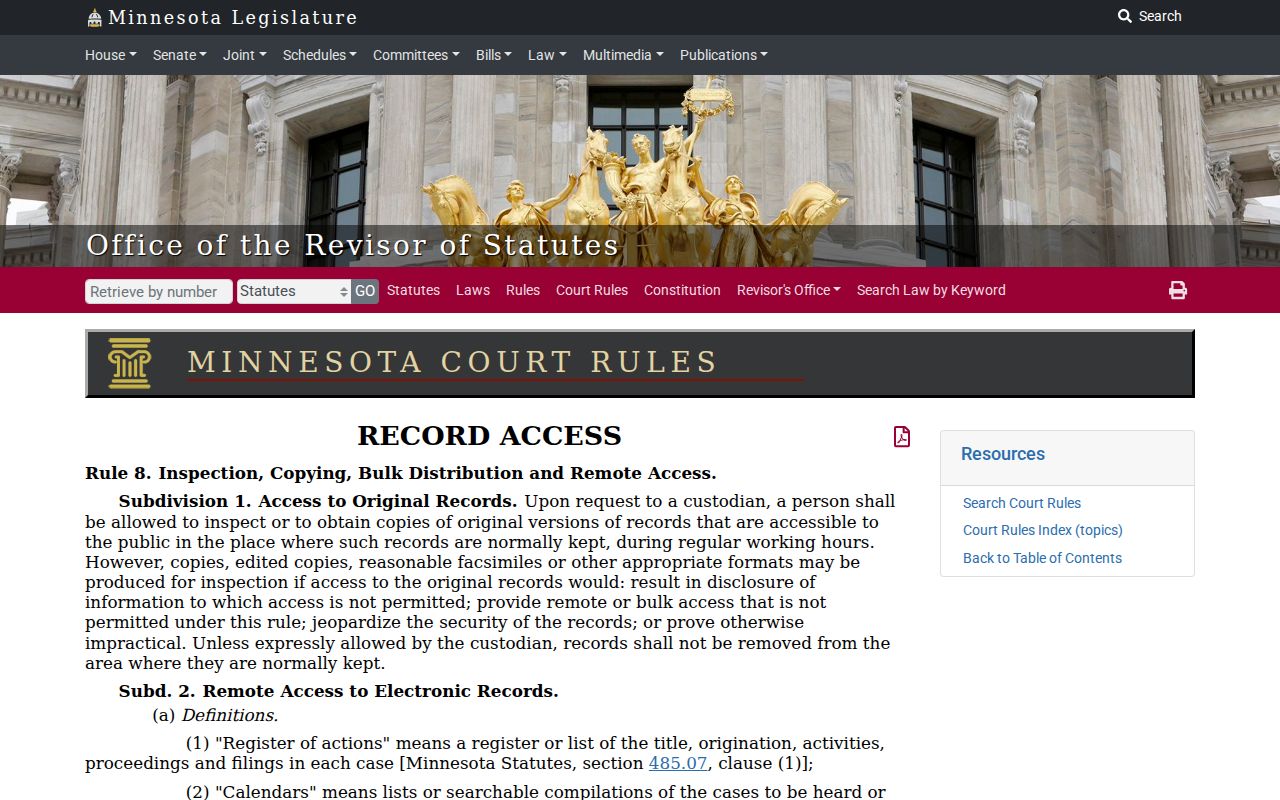
Rule 8 explains a common puzzle. An eligible record can be more complete at a courthouse public terminal than on the remote portal.
Freeborn County Remote Result Recovery
When a result you expected does not appear, save the exact case number, citation number, or spelling you used. Retry with the loosest search possible. Drop any date or category filter you are unsure of. If a name search fails, switch to Case Number or Citation Number mode. Never combine Sounds Like with a wildcard. And if the matter is newly filed, old, confidential, sealed, or simply outside remote coverage, stop repeating the remote attempt. Move to the local access path.
Call Freeborn Court Administration at (507) 668-6014. Ask about courthouse-terminal access, older or locally held records, copies, and anything not available remotely. The statewide Access Case Records material points to a courthouse MNPAC public terminal or the State Law Library for an eligible public document that never made it online. For a certified copy or an unavailable record, use the Freeborn copy-request route. Never read a no-result screen as a final answer.
Note: A careful no-result check begins with the strongest identifier and ends with the court that holds the record, whenever remote access has a documented limit.